For your blog
Your travel map, on your own site.
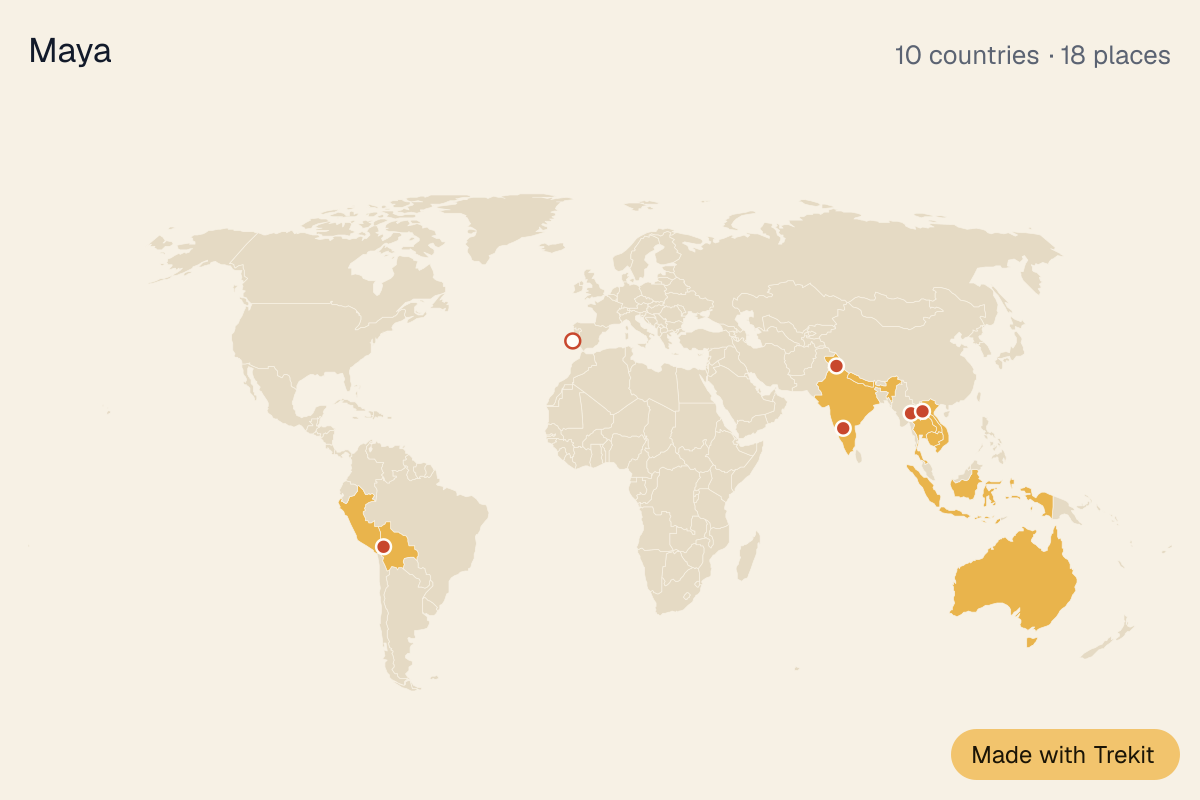
Put a map of everywhere you’ve been in a post, a sidebar or your about page. Readers see the countries and places at a glance, and it stays up to date as you travel.
Free. Works on WordPress, Substack, Medium and most blogs.
How it works
- 1
Make your map
Pin where you’ve been, or bring it in from your Google Maps Timeline or your photos. Sign in to keep it.
- 2
Copy the code
In the app, Map → your name → ⚙ Settings → Embed on your site. Pick a picture or a live map, wide or square, light or dark.
- 3
Paste it in your post
As HTML, like any image or video. When you add places, the map on your blog follows.
Works where you write
WordPress
Add a Custom HTML block and paste. The picture or the live map both work.
Substack and Medium
They don’t allow live maps, so use the picture: it’s a normal image with a link.
Ghost, Squarespace, Wix, Blogger
Use an HTML or embed block. The live map works there.
Questions
Is it free?
Yes.
Does it update?
Yes. Add a place to your map and the embed shows it within a few minutes.
What does it show?
The countries you’ve been to, a pin for each place, and how many. Readers who click it open your full profile on Trekit, with your notes on each place. (That needs your map set to Public.)
My map is private. Can I embed it?
Only if you choose who can see it: public, or anyone with the link. Anyone with your embed code can see the map.
Can I take it down?
Yes. Make your map private and every embed shows “This map is private”.